UI Design

User Interface Design, Interface Design, User interface design, UI design, Screen design
UI design is the design of visual interface elements that users use to operate a website or app. Determines usability and conversion.

What is UI Design?

UI design is the design of all the visual elements a user uses to operate a digital product: buttons, menus, forms, icons, use of color and typography. The goal is an interface that feels intuitive, is visually consistent and guides the user to the desired outcome without frustration. A thoughtful UI design ensures that visitors quickly understand where to click, what information is prioritized and what action you expect them to take.

How UI design works in practice

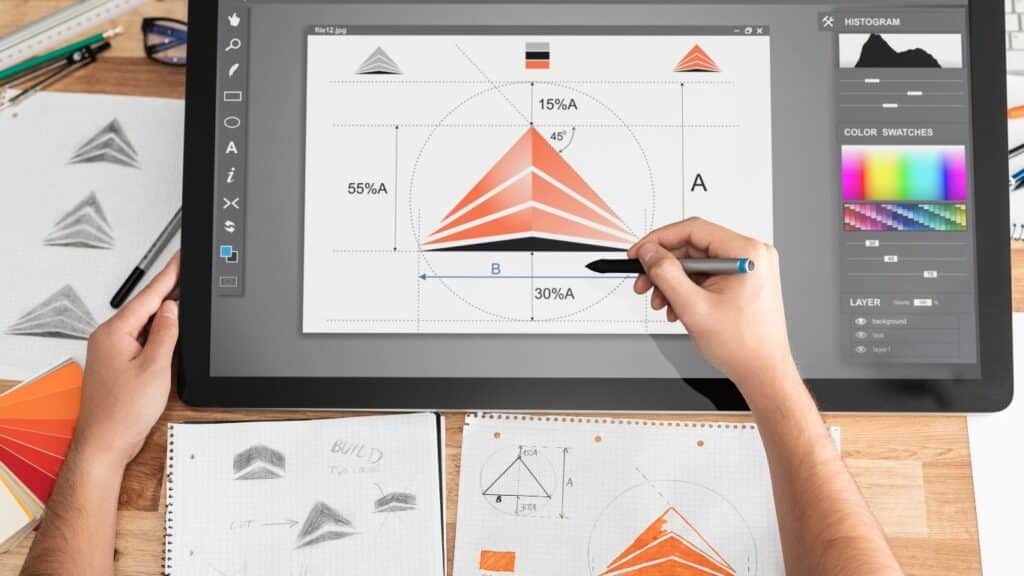
A UI designer translates the structure and functionality of a website or app into concrete visual choices. This starts with a grid system that determines how elements are positioned on different screen sizes. Then the designer chooses colors, fonts and icons that fit the brand identity and target audience. Each element is given a clear state: normal, hover, active and disabled. This way, the user always knows which buttons are clickable and which actions are available. In tools such as Figma or Adobe XD, these choices are recorded in a design system, allowing developers and other designers to work through them consistently. The result is a visual blueprint that guides website development and makes the user experience predictable.

Why UI design became essential for digital products

In the early years of the Web, an interface consisted primarily of text and hyperlinks. As Web sites became more complex and users had to perform more actions, the need for visual control arose. Where once a list of links sufficed, visitors now expect clear call-to-action buttons, visual feedback when clicking, and a logical sequence of information. UI design evolved as a discipline to meet that expectation. Today, the interface directly determines whether a visitor fills out a form, buys a product or clicks away within five seconds. According to W3C 's Web Accessibility Initiative, UI design also plays a crucial role in accessibility: contrast, text size and clear focus states make all the difference for users with visual or motor impairments.

What UI design delivers for SMEs

For an ecommerce store with 300 products, an improved UI design can make the difference between 2% and 4% conversion. That seems small, but with 10,000 visitors per month, that means 200 instead of 400 sales. A clear product page with easy-to-read prices, an eye-catching order button and clear shipping information reduces doubt and increases willingness to buy. For a B2B service provider, a professionally designed contact form increases completed inquiries because potential customers understand what to fill out and why. In SEO projects, we see that Google rewards pages with a low bounce rate: a good UI design keeps visitors on the page longer and increases the likelihood of interaction, which indirectly improves your rankings. UI design is not a cosmetic layer, but an investment in measurable business results.

Applications of UI Design

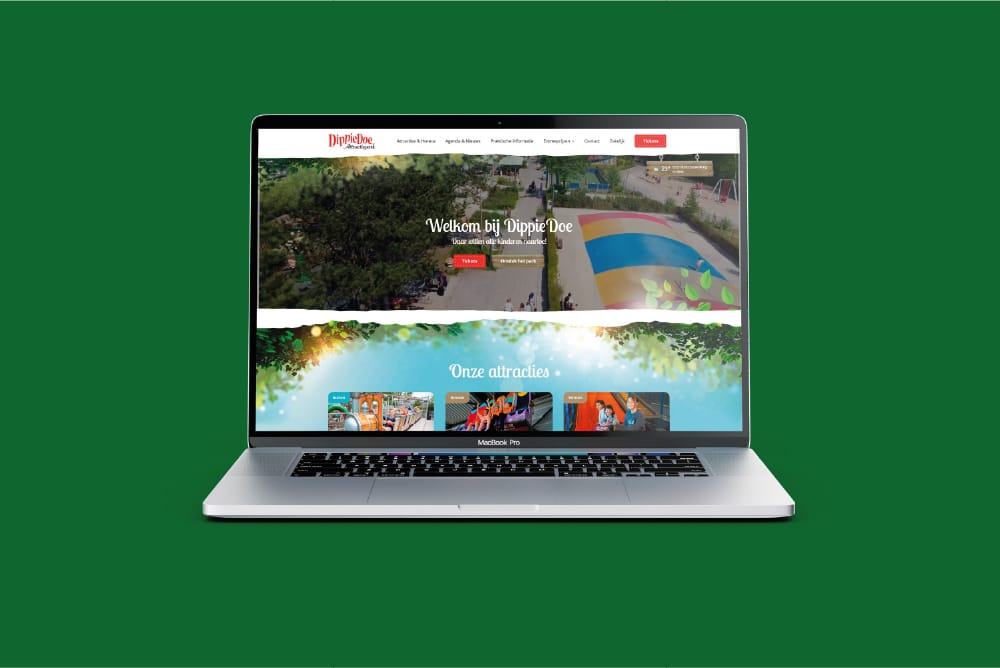
UI design is reflected in every digital contact moment between your company and the customer. The choices you make in colors, buttons and layout determine whether a visitor understands what you offer, gains confidence and takes action. Below are four concrete applications that have a direct impact on your bottom line.

Increase conversion with clear call-to-action designs

A call-to-action button that stands out without being garish increases the likelihood that a visitor will click. That means sufficient contrast with the background, a color that matches your brand identity but still stands out, and a text label that tells exactly what happens after the click. "Request a quote" works better than "Click here." For an SME ecommerce store, this means having the order button the same color, position and shape on every product page. Visitors thus learn where to look. In A/B testing, we see that a well-designed CTA button can increase conversion by 15 to 30% without changing the rest of the page. UI design makes the difference between a visitor hesitating and a visitor ordering.

Forms that users actually fill out

A contact form with ten required fields, unclear labels and a too-small submit button loses half of its potential leads. UI design optimizes forms by grouping fields logically, showing clear error messages and providing visual feedback as you type. A green checkmark when an email address is entered correctly instills confidence. An inline validation that instantly warns of an error prevents frustration after clicking submit. For a B2B service provider with a quote request form, this can make the difference between 40 and 70 completed forms per month. Also consider accessibility: sufficient contrast, clear focus states and labels that screen readers understand make your form usable for everyone.

Navigation that leads visitors to the right page

A main menu with too many items, unclear labels or hidden submenus causes visitors to get lost. UI design structures the navigation with up to seven main items, clear designations and visual hierarchy. An active menu button gets a different color or an underline, so the user knows where he is. For an ecommerce store with multiple product categories, this means a mega-menu that shows all the subcategories without the visitor having to click. For a corporate site with many services, a sticky navigation bar can ensure that the menu is always accessible. Good navigation lowers the bounce rate and increases time on site, which Google values in your SEO ranking.

Responsive design for mobile and desktop

More than half of your website visitors come via a mobile device. UI design ensures that buttons are big enough to tap with a thumb, that text remains readable without zooming, and that menus are collapsible. On desktop, you get more room for visual elements and multiple columns, but the interaction should be just as intuitive. A good responsive UI design adjusts not only the width but also the order of elements: on mobile, the most important call-to-action is at the top; on desktop, it may be on the right side of the screen. For an SME with a local target audience, this means that visitors on the go can quickly find your contact information and call directly via a clickable phone link.

When UI design is the right choice and when it is not

UI design is the right investment if your website or app works functionally but visitors are not converting, if your bounce rate is high, or if customers indicate they are not finding what they are looking for. It is also valuable during a rebranding because the interface then needs to match the new visual identity. UI design is less urgent if you do not yet have a clear proposition or if your website is technically so slow that visitors do not even see the interface load. Then solve the performance first. UI design works best in combination with UX design: the interface should not only be beautiful, but also logically connect to what users want to achieve.

Want to apply this to your business? Monkey Vision helps SME entrepreneurs with web design, SEO and smart digital solutions. Schedule a no-obligation meeting and find out what's possible for you.

Schedule an introduction

Frequently Asked Questions

No, UI design and UX design complement each other but are not the same thing. UX design focuses on the user experience: what steps does someone go through, where do they hesitate, what is their goal? UI design translates those insights into visual choices: what button do you use, what color does that button get, where is the menu? A UX designer makes wireframes and user flows, a UI designer designs the final interface with colors, typography and icons. In practice, you often work with both disciplines simultaneously. A good UX without a strong UI leads to a logical but boring experience. A strong UI without UX leads to a beautiful but frustrating website. For SMBs, it makes sense to include both in one project so that the interface not only looks good but actually works.

Invest in UI design if your website works functionally but visitors are not converting, if your bounce rate is above 60%, or if customers indicate they are not finding what they are looking for. UI design is also needed during a rebranding to implement the new visual identity into the interface. Skip UI design if your website is not yet technically stable, if content is missing or if your proposition is unclear. A nice interface does not solve those problems. For a starting ecommerce store with 20 products, a basic UI is often sufficient; only when growing to 200 products and multiple categories does structured UI design become crucial. Start with the foundation and add UI design as soon as you know what visitors want and where they get stuck.

Want to know if your current interface is helping or holding visitors back? Schedule a free 30-minute website scan at Monkey Vision. We walk through your site live and show you where visitors drop out, which buttons do not stand out enough and where you lose conversion. You will immediately get three concrete UI improvements you can pick up this week, plus an honest assessment of whether a full UI redesign makes sense for your situation. No sales pitch, just practical advice based on real user data and best practices from similar SME projects.

About the author

Monkey Vision

Monkey Vision is a full-service digital agency at Nijmegen, specializing in web design, SEO, and AI automation for small and medium-sized businesses. The knowledge base has been compiled by our team of online strategists and is continuously updated based on current insights.

Publication date: 26-04-2026
Last update: 26-04-2026